
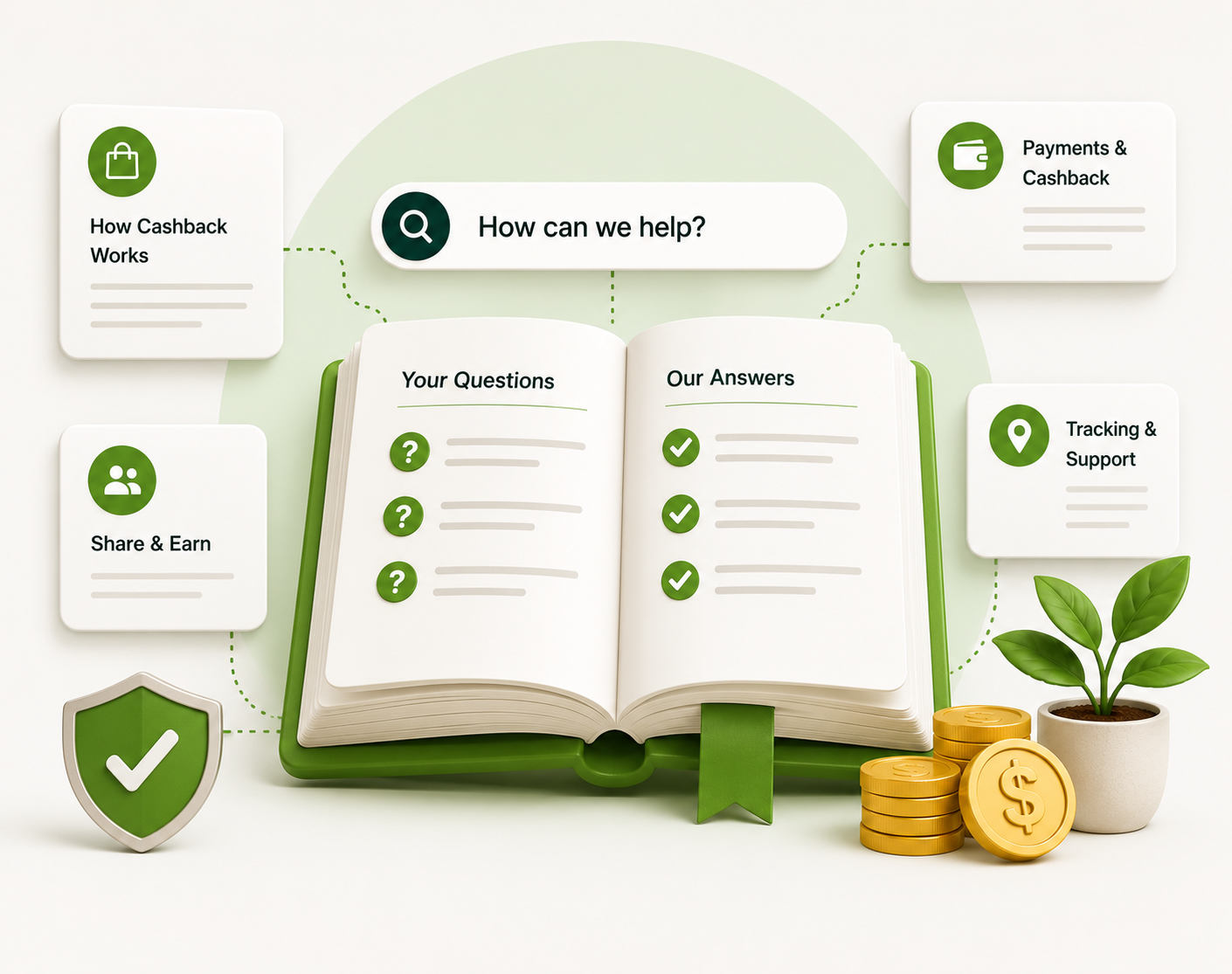
Frequently Asked Questions
If you can't find the answers to your questions in the FAQs, email your question to [email protected]
Join NowCreate a free account at myzenrewards.com/signup. To become a Zen+ Associate, read About ZEN+ and submit an application.
Once you have an account, sign in, find the store on Zen Rewards and click Shop Now. We open the store in a new tab with your tracking link. Buy as you normally would, and the cashback is added to your account automatically.
No. There is no minimum purchase. You earn cashback on any eligible purchase at a partner store. Zen+ Associates: to earn commissions on your network you also need to stay active; see Rank & Earnings for the monthly requirement.
Sign in and open your account menu. Your cashback activity lists every tracked purchase with its status: pending, confirmed, declined or paid.
Everyone earns cashback on eligible purchases at partner stores. Zen+ Associates also earn commissions on purchases made by the people in their network, plus bonuses under the Compensation Plan.
Each Merchant's website will have their instructions on how you can pay for your purchases.
Have them scan your unique QR Code from your phone via the Zen Rewards app or send them an email invite with your unique referral link through your back office.
Associates earn commissions (not cashback) on their network's purchases, and the amount depends on your rank. You earn a Level Bonus of 10% to 25% of the commissionable volume on your first level, with smaller percentages down to five levels as you advance; a 5% New Member Bonus on anyone you enroll for their first two months; and Generation Bonuses from Emerald rank upward. See Rank & Earnings for the tables, or the full Compensation Plan.
Google Chrome and Microsoft Edge work best. Brave, Firefox, DuckDuckGo and Safari block tracking cookies by default, which can stop your purchase from being tracked. If you use one of them, allow cookies for myzenrewards.com and the store, and turn off tracking protection while you shop.
After you make an eligible purchase, the store first has to confirm the transaction and pay Zen Rewards. That usually happens after the store's return or cancellation period ends. Once we receive payment, your cashback status is updated. To check it, sign in and open your account menu. Each purchase shows one of these statuses:
Pending – your purchase was tracked and is waiting for the store to confirm it.
Confirmed – the store approved it and it counts toward your payout.
Declined – the store rejected it, for example because of a return, a cancellation or an ineligible item.
Paid – it was included in a payout to you.
Both Customers and Zen+ Associates can be paid by bank transfer (ACH), PayPal or gift card. Add your payout details in your account, then request a payout once you have enough confirmed cashback.
Login to your account and click your name on the right side to access the menu. Next click on "Missing Cashback Claim" and create a claim.
By credit or debit card: Visa, Mastercard, American Express or Discover. The $10 monthly fee is charged to the card you enter when you apply.
Login to your account, click on your name on the right side to access the menu and click on account settings.
Short answer: No. Long answer: it's a fair question, and we're glad you asked it.
So many pyramid schemes have disguised themselves as MLMs over the years that anyone doing their homework should ask this. We'd ask the same thing.
Want the full breakdown? Read the full explainer (PDF).